plynth
A music tracker for the Steam Deck.
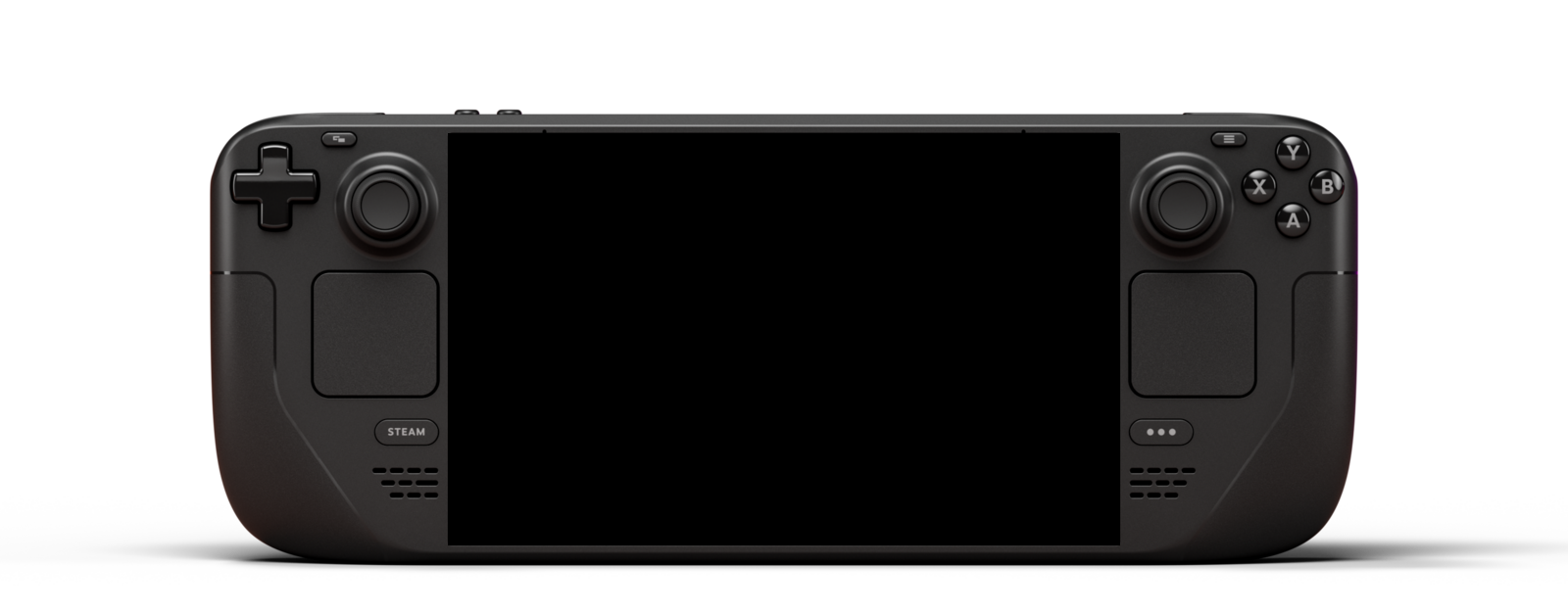
plynth was built for the Deck's controls from the start. You write notes and effects into a grid and chain the patterns into songs, on 16 tracks of synths and samples.
I'll email you when plynth comes out, and before that only if there's something worth telling you. You can unsubscribe from any email. Privacy policy.

What it is
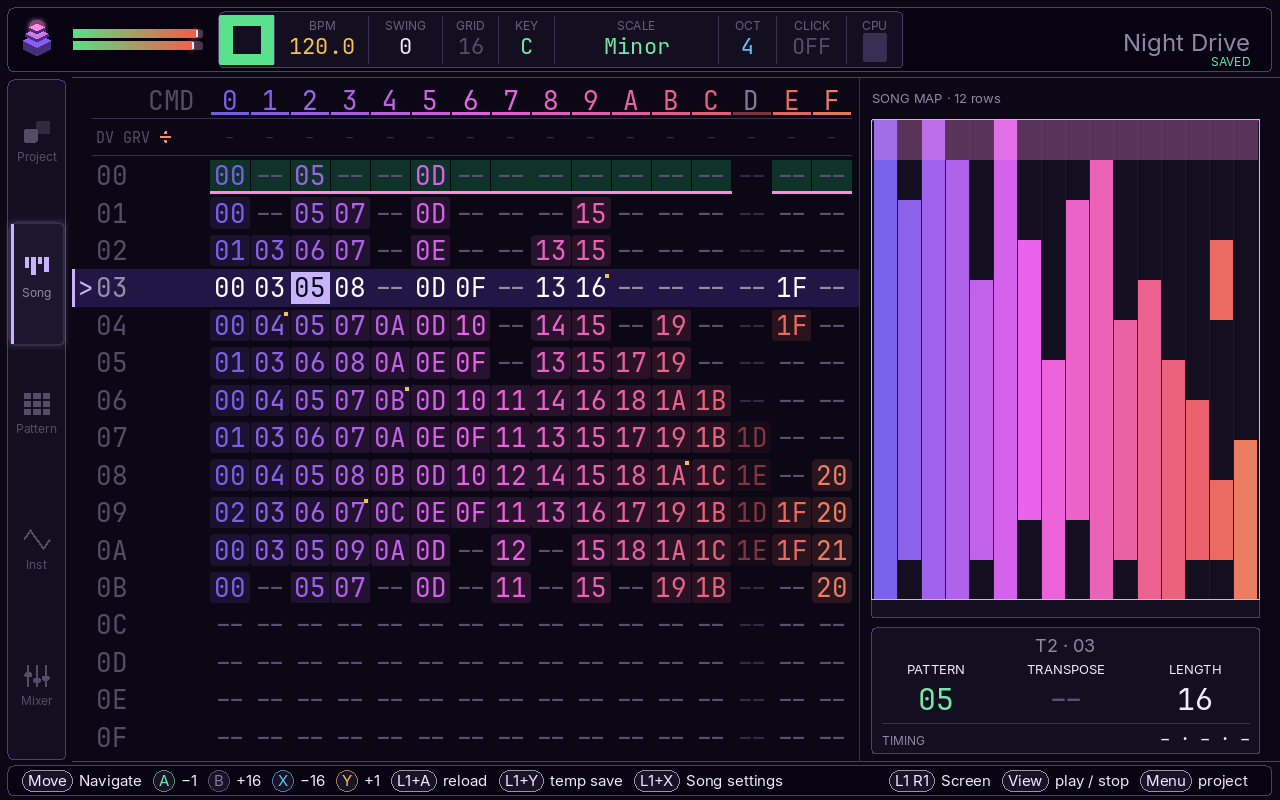
A tracker is a sequencer you write in rows. Each row is a step in time, and its columns hold a note, an instrument, a velocity and effect commands. You build short patterns that way and arrange them into a song. The format started on the Amiga in the late '80s, and it's still how LSDJ and the Dirtywave M8 work.
plynth puts synths, a sampler, modulation and effects behind that grid. All of it runs on the Deck, on battery, and nothing in it needs the touchscreen or a mouse. Docked, it also takes a keyboard and sends MIDI to your other gear.
If you've used an M8 or LSDJ, most of it will look familiar. If you haven't, a tutorial walks you through it the first time plynth opens.
Inside
- SYNTH
- All 24 engines from Plaits, the open-source Mutable Instruments module: virtual analog, FM, wavetable, granular, string, modal, chords, speech, chiptune and the rest. The wavetable engine holds up to four banks, with BLEND to fade between them and SCAN to move through the frames. It reads Serum-format WAVs, or you can draw a table yourself. Plaits is by Émilie Gillet, released under the MIT license
- SAMPLE
- Record from the Deck's built-in mic, or load WAV, FLAC or MP3 files from the SD card, mono or stereo. One sample can be sliced across keys to make a kit, and SFZ instruments import too.
- SEQUENCE
- 16 tracks, 255 patterns and 255 song rows. Each row has a note, instrument, velocity and three effect columns, with 20+ commands for retriggers, probability, arpeggios, slides, chords and humanizing. Each instrument can also run a 16-step table under every note it plays, for transposes, volume moves and CC. Old ProTracker .mod files open as editable songs.
- GROOVE
- Swing is set per song, and each track can take its own groove. Mark a section of the arrangement with a loop count and it plays that many times without being copied out. When you're stuck, the fill tools can write euclidean rhythms, interpolate between values, or drop an in-scale phrase into a selection.
- FX
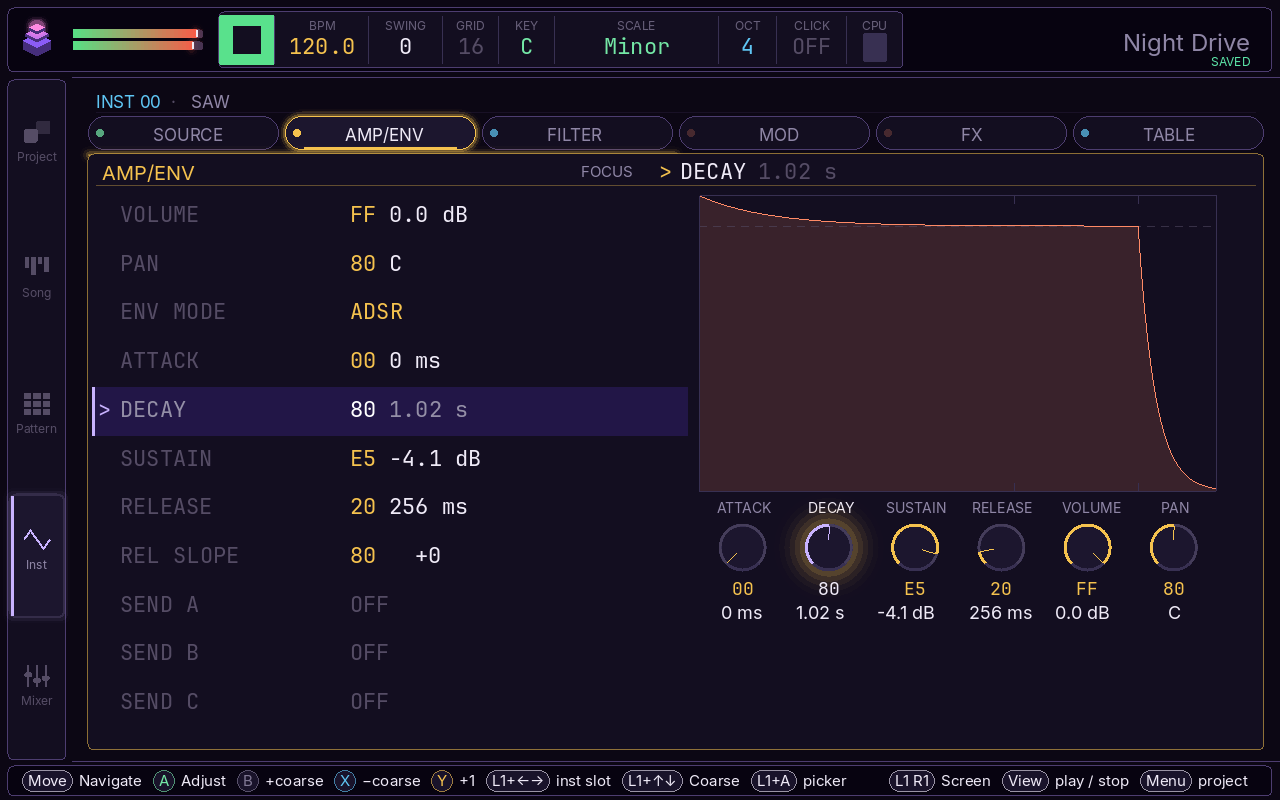
- Each instrument has three effect slots, filled from a long list: reverbs (one of them uses any sample as its space), delays, fuzz, bitcrush, a family of wavefolders, chorus, phaser and more. The filter's modes include ladder and vowel, with a drive stage in front. Three LFOs, a mod envelope and velocity can be routed to pitch, filter, pan, synth parameters or an effect's own knobs.
- MIX
- Tracks get volume, mute and solo, and there are three send buses. The master chain has EQ, compression, saturation and a sidechain ducker you can key from a track or from the beat. Samples, effects and the master all run in stereo.
- MIDI
- Sequence synths and drum machines with notes, CC, program changes, clock and transport. plynth can also follow an external clock, and MIDI Learn maps a controller's knobs to the mixer.
- EXPORT
- Bounce a song to WAV, or export a stereo WAV for each track as stems. There's a standard MIDI file export too, if you'd rather finish the song somewhere else.
- SAVED
- plynth saves every change within a few seconds and brings your song back after a crash. Each save goes to a temporary file first, so one cut short by a dead battery leaves the last good copy alone. If you change your mind about an edit, there's undo, and the Song screen keeps a history of earlier versions.
- PROJECT
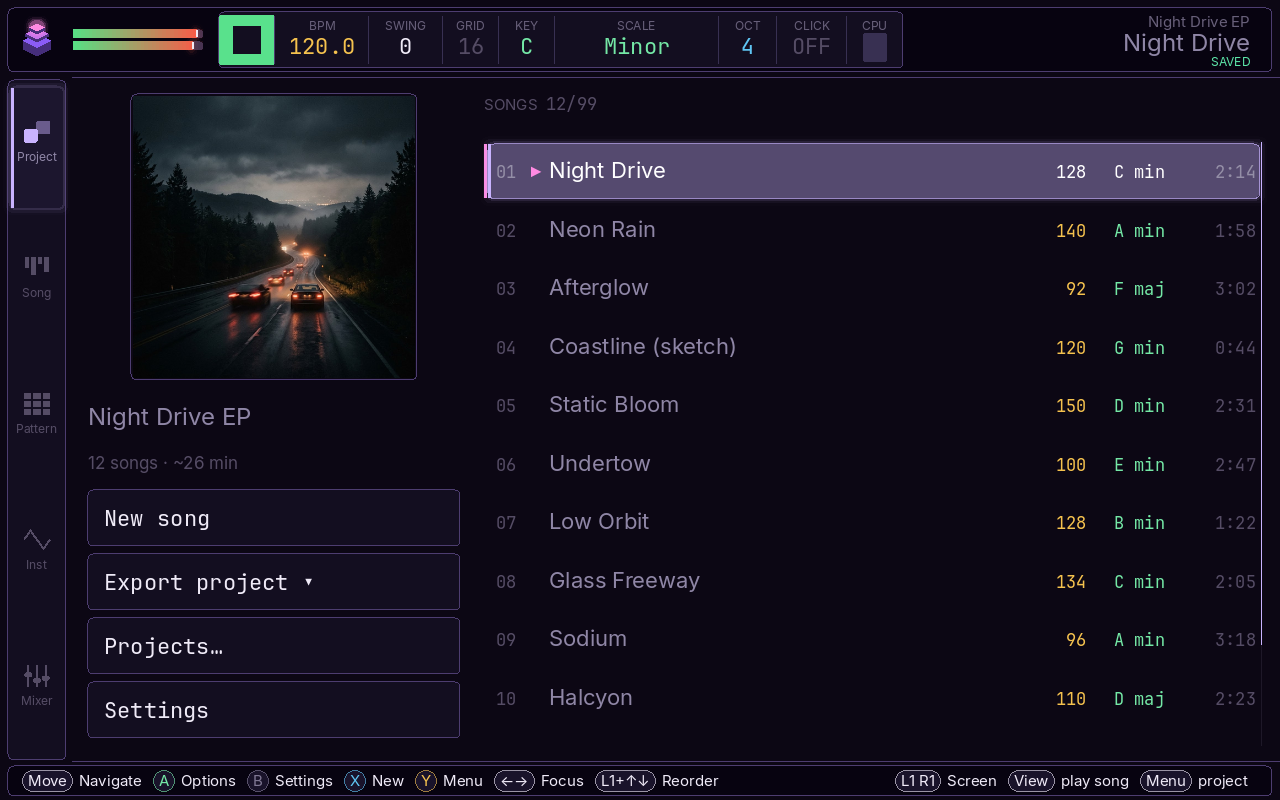
- A project keeps a set of songs in order, with a title and cover art, for an EP, an album or a live set, and plays them back one after another. Use your own image for the cover or let plynth make one.
You buy plynth once. There's no subscription and no in-app purchases.
One email at launch, and a few before it if there's news.